Many families across Pakistan rely on financial support from the Benazir Income Support Programme. However, in 2026, a growing number of beneficiaries are facing the issue of BISP Payment Not Received 8171, leaving them worried and confused.
If you are also experiencing payment delays, don’t panic. This guide explains the real reasons behind the issue and provides quick, official solutions to help you receive your payment without hassle.
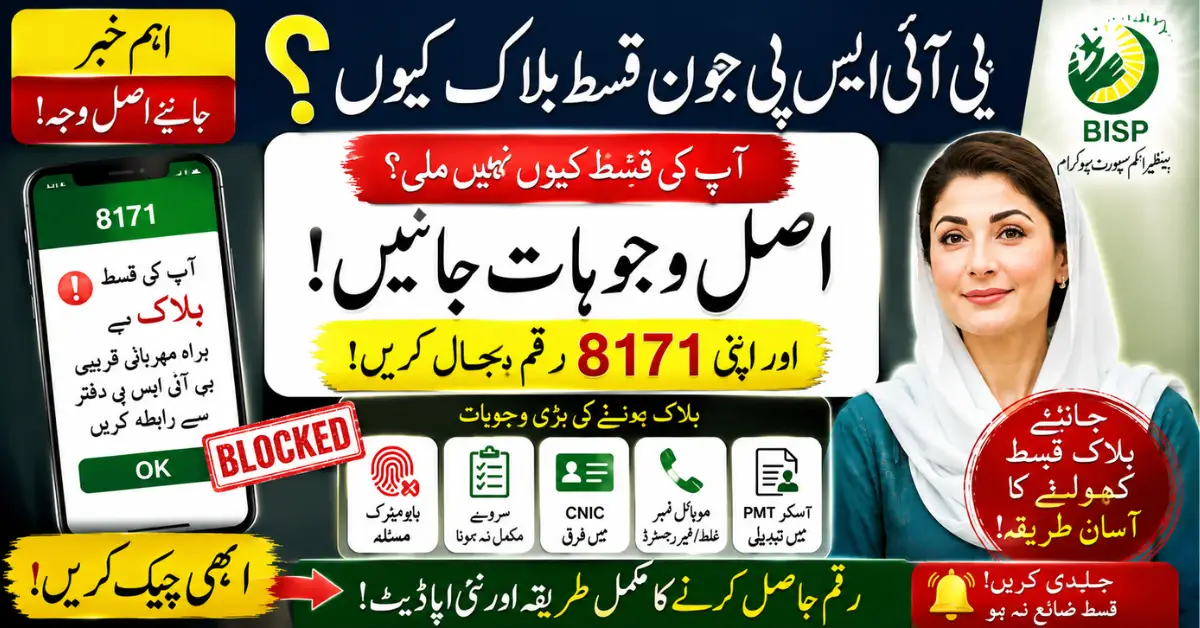
Why BISP Payment Not Received 8171 Happens
There are several common reasons why your payment might be delayed or stopped. Understanding these can help you fix the problem faster.
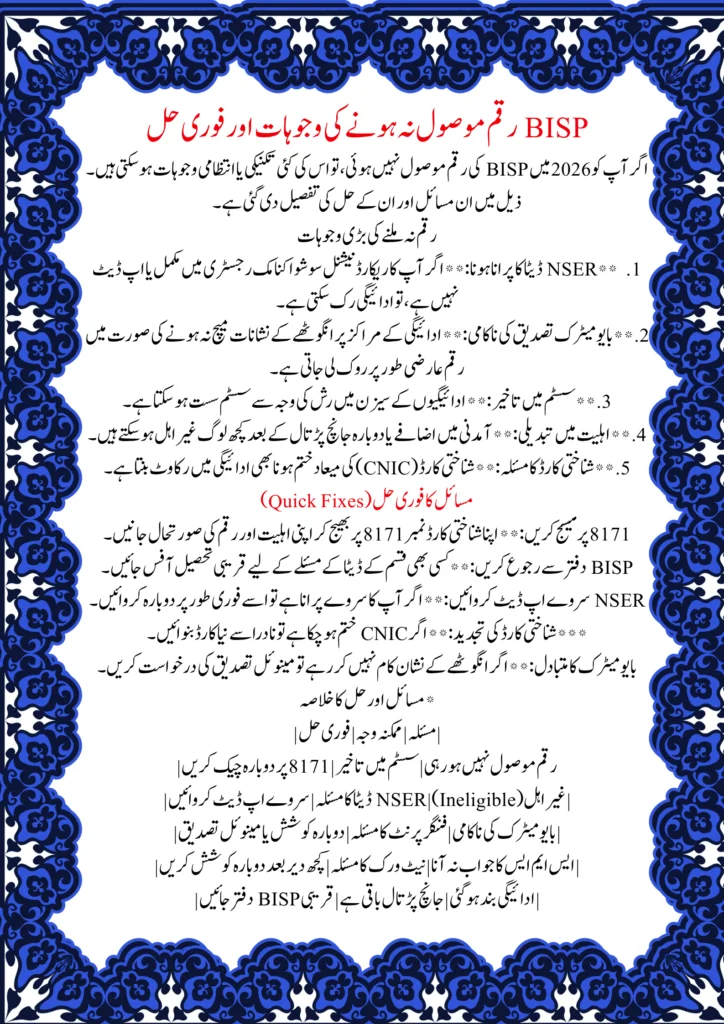
Outdated or Missing NSER Data
Your eligibility depends on the National Socio-Economic Registry. If your information is incomplete or outdated, the system may block your payment.
Biometric Verification Failure
Fingerprint verification is mandatory. If your biometric data does not match at the payment center, your payment may be put on hold.
CNIC Issues
An expired or invalid CNIC can stop your payment instantly. Always ensure your identity card is updated.
Eligibility Status Changed
Sometimes, after verification, your status may change due to income updates or other factors. This can lead to disqualification.
System Delays
During peak payment cycles, the system may slow down due to heavy traffic. In such cases, payments are delayed but not canceled.
How to Fix BISP Payment Not Received 8171 Issue
The government has provided simple and official methods to resolve this issue quickly.
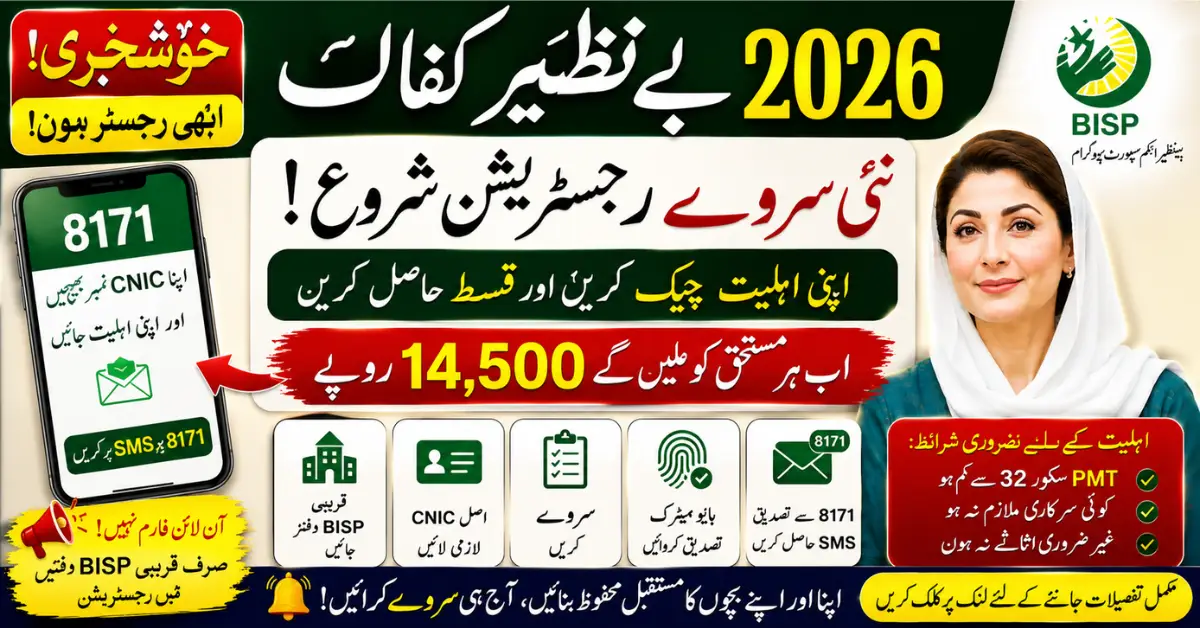
Check Status via 8171 SMS
The easiest way to check your status is through SMS:
- Open your mobile message app
- Type your 13-digit CNIC number
- Send it to 8171
- You will receive your eligibility and payment status instantly
Visit Nearest BISP Office
If the issue continues, visit your nearest BISP center. Officials can check your record and guide you properly.
Update NSER Survey
Make sure your household data is updated. Visit the registration center and complete your dynamic survey if required.
Complete Biometric Verification
Go to the payment center and verify your fingerprints again. If the issue persists, request manual verification.
Renew Your CNIC
If your CNIC has expired, immediately renew it through NADRA to avoid further delays.
Common Problems and Their Quick Solutions
Many users facing BISP Payment Not Received 8171 experience similar issues. Here’s a quick overview:
- Payment delayed → Wait and recheck via 8171
- Not eligible → Update NSER data
- Biometric mismatch → Retry or request manual verification
- No SMS response → Try again after some time
- Payment stopped → Visit BISP office
Common Mistakes to Avoid
Avoid these errors to prevent payment issues:
- Entering incorrect CNIC number
- Using someone else’s SIM
- Ignoring NSER survey updates
- Trusting agents or middlemen
- Skipping biometric verification
Expert Tips for Smooth Payment
To ensure timely payments, follow these tips:
- Always check your status through official 8171 service
- Keep your CNIC valid and updated
- Complete your NSER survey on time
- Visit only official BISP centers
- Save your SMS confirmation for record
Conclusion
The issue of BISP Payment Not Received 8171 is common but usually easy to resolve. Most problems occur due to outdated data, verification issues, or system delays. By following the official methods like SMS check, NSER update, and biometric verification, you can quickly fix the issue and receive your payment.
Stay informed, use only official channels, and avoid scams to ensure a smooth experience with BISP payments.
FAQs
1. Why is my BISP payment not received yet?
It may be due to outdated NSER data, biometric failure, CNIC issues, or system delays.
2. How can I check my BISP payment status?
Send your CNIC number to 8171 via SMS to check your status instantly.
3. What should I do if biometric verification fails?
Retry at the payment center or request manual verification.
4. Can my eligibility change?
Yes, your status may change after verification or income updates.
5. Is 8171 SMS service free?
Yes, it is an official and free government service.